Live map
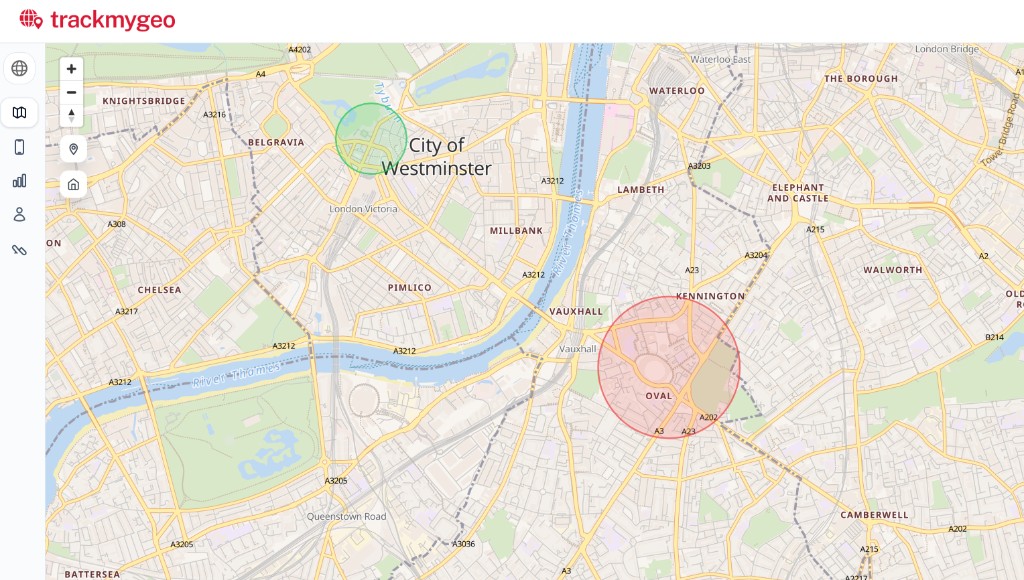
See every phone on one map. Green means moving, amber means parked, grey means no recent signal. Tap a phone for more detail.
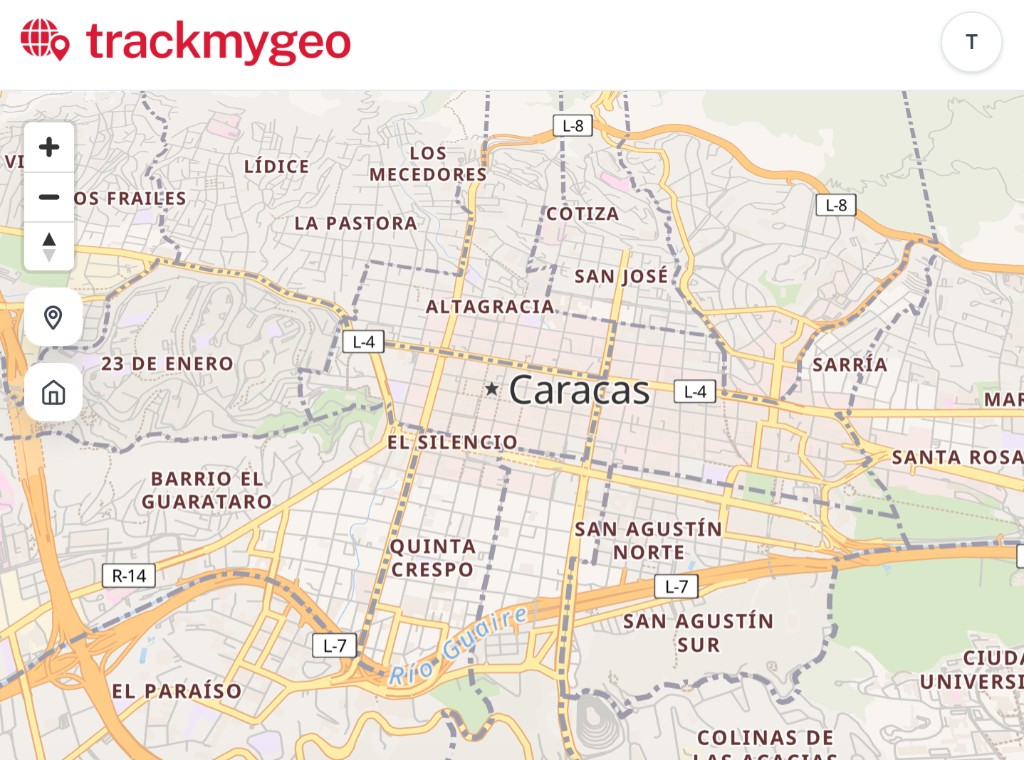

See your phones on a map the same day. Use phones you already have—no extra GPS boxes to buy.
Sign in with your email—we send a code, no password. Name your group, add each phone you want on the map, and invite helpers if you need them.
On your computer: open the phone’s setup screen and show the QR code. On the phone: install the free OwnTracks app, then scan the code with the camera. Not face-to-face? Send the setup file or link by email instead.
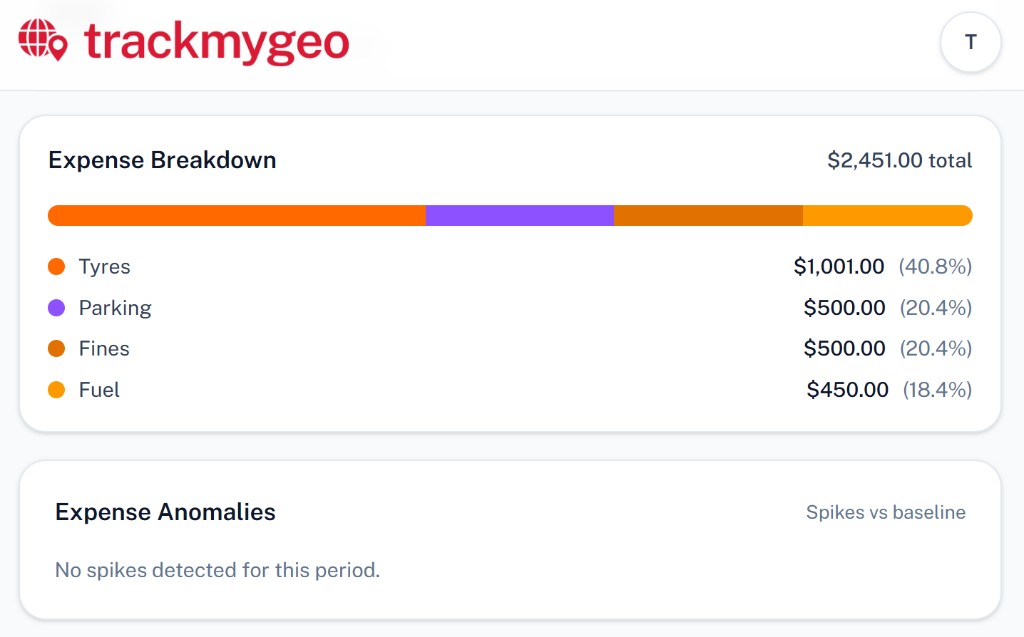
Watch phones move on the map. Trips save by themselves. Download mileage when you need it.
Pictures from the real app. Each part shows what you can do.
See every phone on one map. Green means moving, amber means parked, grey means no recent signal. Tap a phone for more detail.
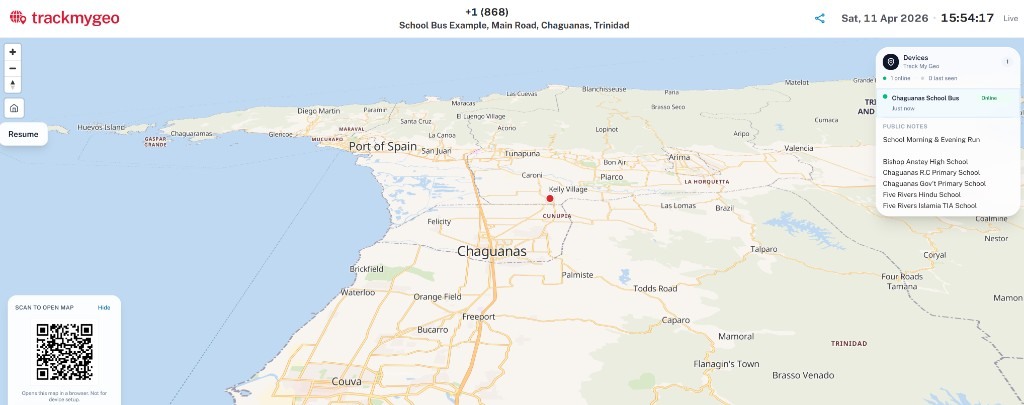
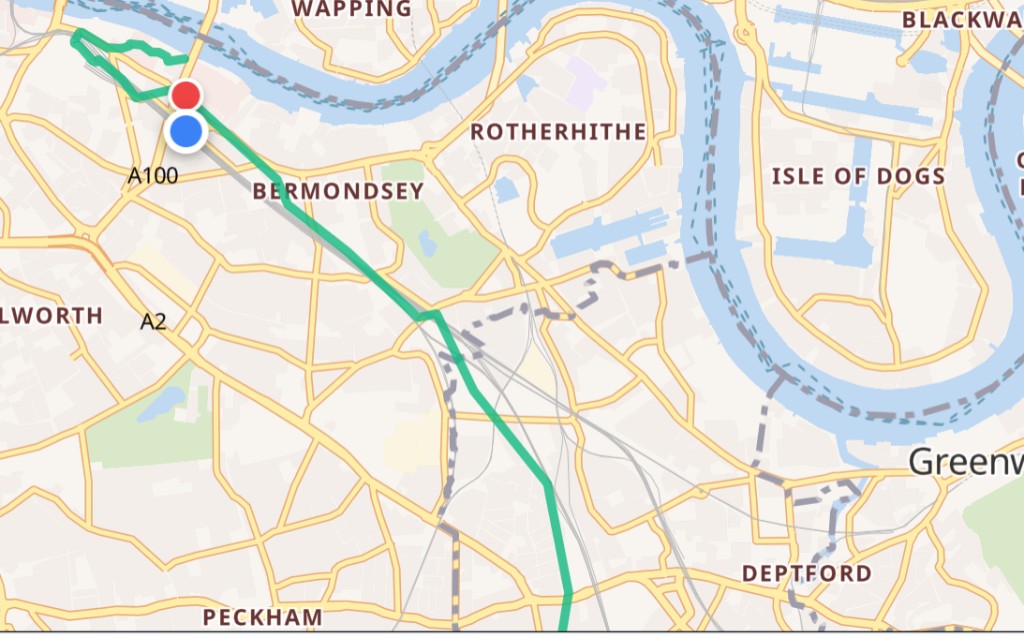
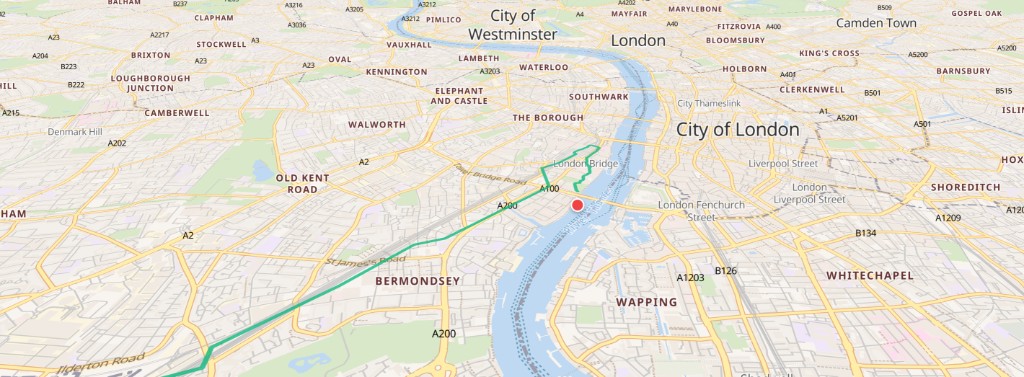
Each drive gets a route, miles, and time. Mark trips as work or personal if you need that for your records.
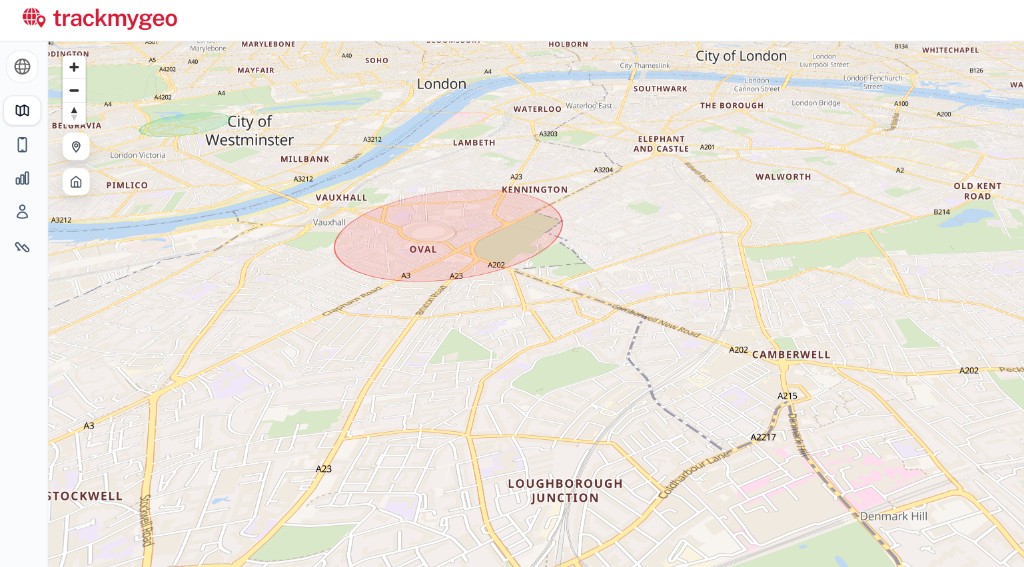
Draw an area on the map. Get a message when a phone enters or leaves. Set a speed limit. Get a warning if the phone battery is low.
Use Android phones you already have. Install the free OwnTracks app—no separate tracker to mount. iPhone as the tracked phone is not supported yet.
Your map is only for your account. Each phone has its own secure link-in. Sign-in uses email codes, not passwords you have to remember. We run on Microsoft Azure.

Microsoft Azure